 FakeChat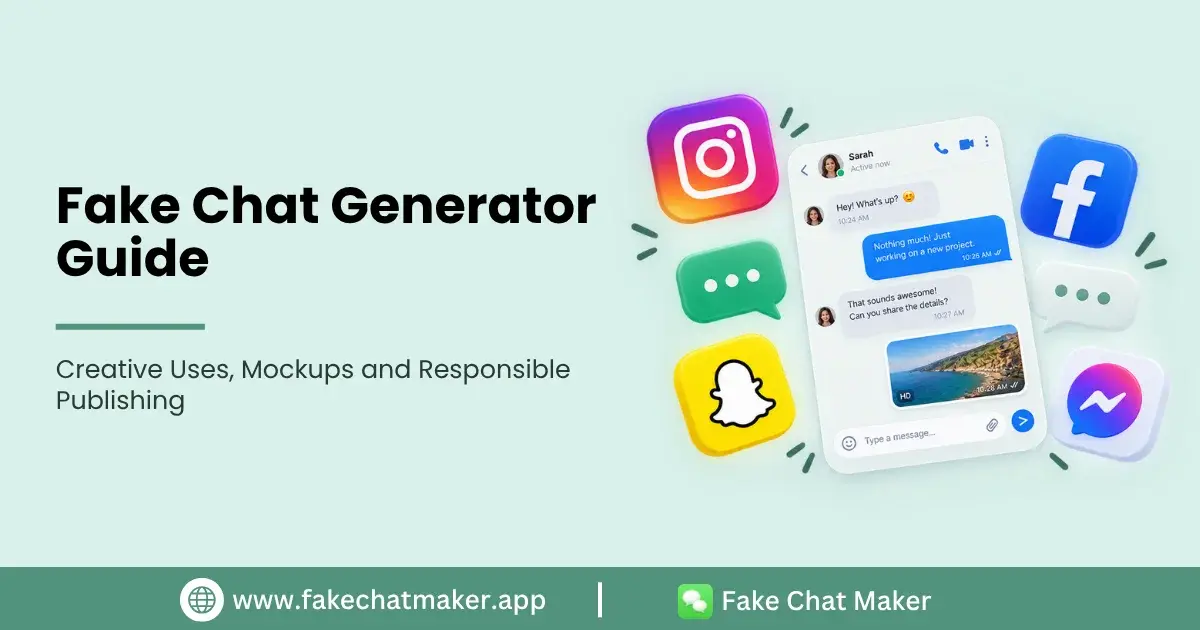
Introduction
A fake chat generator is a visual tool for building a fictional conversation in a messaging style interface. Instead of capturing a real private conversation, you enter the dialogue and supported profile or interface details yourself, preview the result and export a graphic for your project.
These tools can be useful for videos, storyboards, interface concepts, presentations, comedy and digital literacy examples. The most important distinction is context: a fictional mockup should not be presented as authentic evidence of something a real person said. More detailed disclosure and misuse guidance is available in the Responsible Use guide.
What a Fake Chat Generator Does
A chat generator combines editable conversation content with a predefined interface layout. Depending on the selected style, controls may include participant names, profile images, message direction, timestamps, reactions, read states and appearance settings. The How FakeChatMaker Works page shows the product workflow from choosing a chat style through export.
The finished result is a standalone visual mockup. It does not prove that a real conversation occurred and it should not require access to another person's messaging account.
Useful Creative Scenarios
Video creators can turn scripted dialogue into visual scenes. Writers can preview exchanges between fictional characters. Designers can illustrate messaging flows without rebuilding every bubble manually. Educators can create safe examples for online safety lessons without exposing a student's real messages.
Businesses can also use fictional conversations in product presentations or training material, provided the examples are clearly illustrative and do not invent customer endorsements.
Choosing a Chat Style
Choose the layout that fits the audience and project rather than the one that appears most convincing. WhatsApp style layouts may suit familiar message exchanges, Instagram style layouts can work for creator focused stories, Snapchat style layouts can support fictional social scenarios, and Messenger style layouts can be useful for general messaging or support demonstrations. For example, a fictional messaging scene can be built with the WhatsApp chat maker, while creator focused direct message scenes may fit the Instagram layout better. For direct message projects, the Instagram DM maker provides a dedicated Instagram style workspace.
Interface designs change over time, so avoid claiming that any mockup is a permanent exact replica of a third party app.
How to Build a Mockup
First, write the dialogue outside the generator so the scene has a clear beginning and end. Next, choose fictional names and appropriate avatars. Add the messages in order and use only the interface details that help explain the scene.
Preview the result at the final display size. Check whether the text is readable and whether any profile information could be mistaken for a real person's account. Finally, export the graphic and add a disclosure when authenticity could be misunderstood.
Privacy and Asset Choices
Do not copy private conversations into a mockup unless you have an appropriate reason and permission. Use invented phone numbers, usernames and profile details when real data is unnecessary.
For images, use original, licensed or permissioned assets. A fictional character does not need a stranger's real photograph.
Responsible Publishing
A generated conversation can be misleading when it is removed from its original context. If a reasonable viewer might think the conversation is genuine, use a visible label such as “Fictional Conversation”, “Mockup”, “Dramatized” or “Parody”.
Do not use generated chats for fraud, harmful impersonation, false accusations, harassment or fabricated evidence.
What to Look for in a Generator
Evaluate a tool based on features you can verify: supported chat styles, editing controls, preview quality, export options, privacy information, account requirements and whether the site explains responsible use. You can use the current FakeChatMaker features as a practical example of the controls worth checking.
Do not assume that a tool is better simply because it promises maximum realism. For many legitimate projects, clear editing controls, privacy and reliable export matter more.
Conclusion
A fake chat generator is most useful as a creative mockup tool. Plan the dialogue, use fictional identities, keep the graphic readable and publish it with enough context that viewers understand what they are seeing. That approach makes the output more useful for storytelling and design while reducing unnecessary risk.