 FakeChat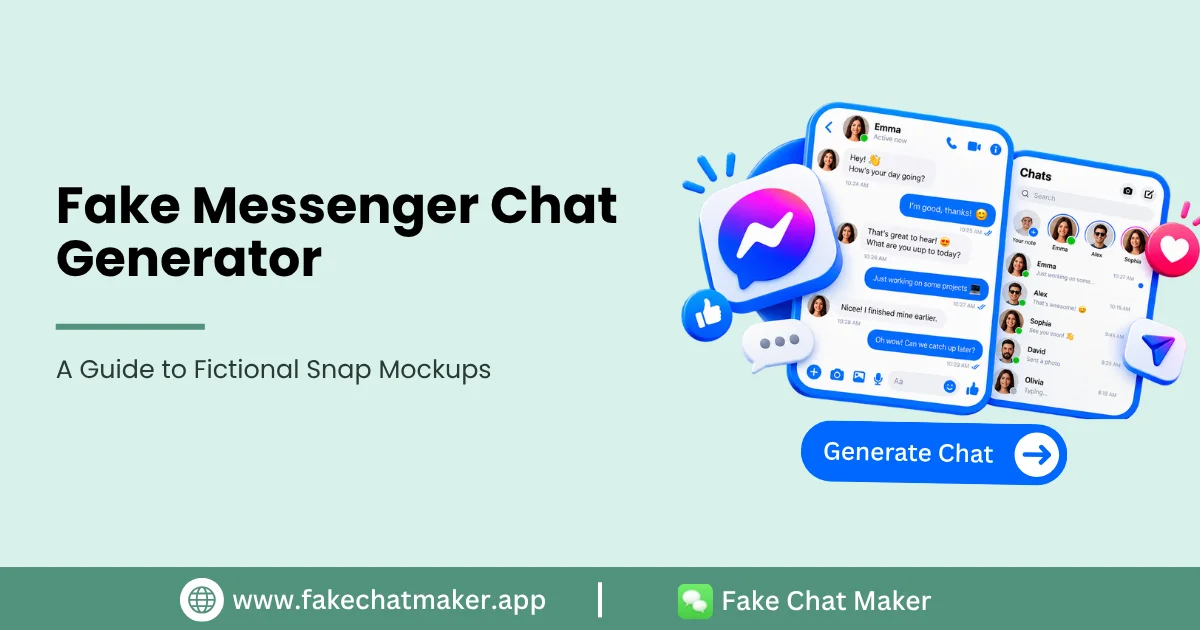
Introduction
A Messenger style chat mockup can be useful when a creator, designer or educator needs to visualize a conversation without publishing a real private message. It can support fictional storytelling, customer support demonstrations, presentations and interface concepts. You can create this type of fictional scene in the Messenger chat maker without publishing a real private conversation.
This guide explains how to use the format responsibly and how to keep the audience focused on the intended scenario.
Useful Messenger Style Scenarios
Customer support teams can demonstrate an invented service conversation without exposing customer data. Writers can visualize dialogue between fictional characters. Designers can illustrate a messaging flow. Educators can build examples of online communication or scam warning signs using invented identities.
Plan the Conversation First
Draft the dialogue before opening the editor. Give the scene one clear purpose and remove messages that do not contribute to it. A shorter, readable conversation usually works better than a crowded screen.
Choose names and profile images that are fictional unless a real identity is required for an authorized use.
Use Interface Details as Context
Supported reactions, timestamps, read states or group details can help explain the scene. Use them consistently and verify which controls are actually available in the current product.
Do not describe a template as an exact permanent replica because third party applications update their interfaces.
Customer Support Mockups
Support examples are a useful legitimate application because they can demonstrate a workflow without exposing a customer's real messages. Clearly label invented customer names and avoid presenting a fictional conversation as a genuine testimonial or endorsement. The general How FakeChatMaker Works page explains the editing and export flow.
If the mockup is used in marketing, make sure viewers understand whether it is an illustrative example.
Responsible Publishing
Do not falsely attribute statements to a real person, company or organization. Do not create fabricated evidence or use a mockup to support a false accusation. Disclosure, impersonation and fabricated evidence are covered in more detail in the Responsible Use guide.
If the image could reasonably be interpreted as authentic, add a visible disclosure such as “Example Conversation” or “Fictional Mockup”.
Conclusion
A Messenger style mockup is strongest when it solves a real communication or design need without exposing private conversations. Keep the dialogue clear, use fictional identities and label illustrative examples appropriately.
FakeChatMaker is independent and is not affiliated with or endorsed by Messenger or Meta.