 FakeChat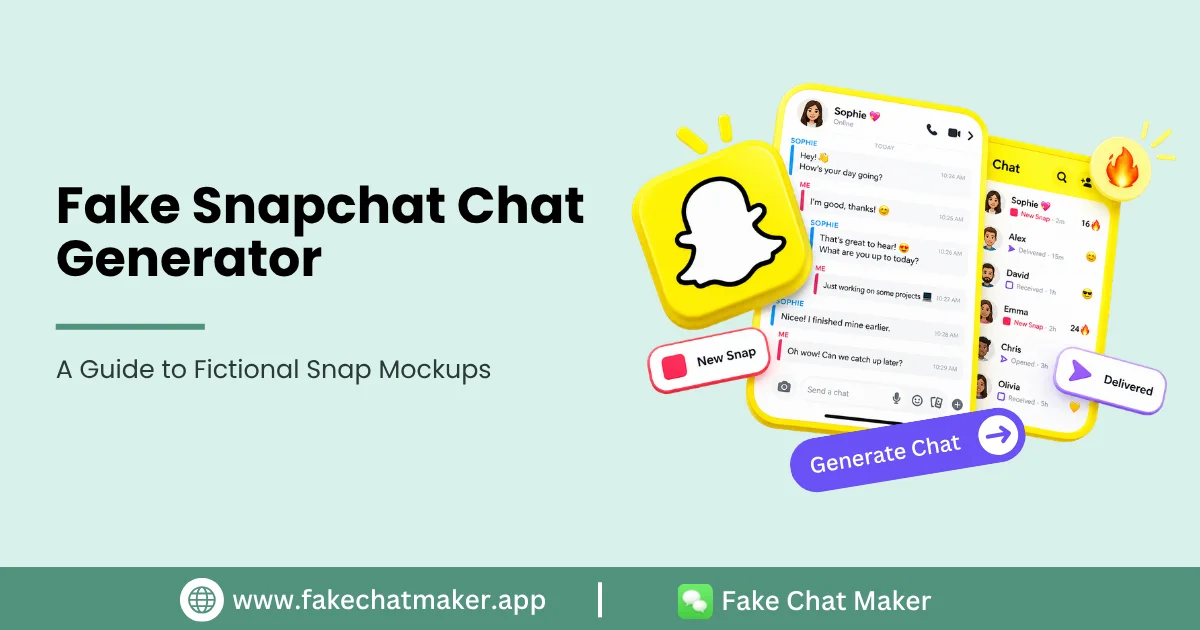
Introduction
A Snapchat style chat mockup can help creators, writers and educators visualize a fictional conversation without using someone's real private messages. Because Snapchat has its own interface conventions, a dedicated layout can be useful when the platform style is part of the story. A fictional example can be created with the Snapchat chat maker using the controls currently available in the editor.
The goal should be clear communication and responsible fictional content, not making a fabricated conversation pass as authentic evidence.
What a Snapchat Style Mockup Can Include
Depending on the current editor, supported elements may include display names, avatars, conversation messages, timestamps, status indicators or streak related details. Verify each feature in the live tool before describing it as available.
Third party interfaces change frequently, so avoid promising that every visual detail permanently matches the current Snapchat application.
Good Creative Uses
Use a fictional Snap conversation in a storyboard, comedy scene, social video concept or digital literacy lesson. Educators can demonstrate risky messaging scenarios without exposing a real young person's private messages. For vertical story planning, the content creator chat screenshot guide also covers pacing and readability.
Creators can also use invented characters to explore misunderstandings, friendship stories or fictional group dynamics.
Build the Scene Around the Story
Write the dialogue first. Keep messages short enough to read comfortably and make sure every line moves the scene forward. Choose invented names and avatars unless a real identity is necessary and appropriately authorized.
Use status indicators only when they help explain the narrative. Extra details should support the story rather than exist solely to make the image harder to identify as fictional.
Special Care With Young People
Do not use real minors' names, photographs or private information in fictional conversations without an appropriate basis and permission. Avoid sexual, exploitative, threatening or humiliating scenarios involving minors.
For education or parental guidance, use clearly fictional examples and explain the lesson around the mockup.
Disclosure and Sharing
A screenshot can travel beyond the caption where it was originally posted. If a viewer could mistake the scene for a real private conversation, put a visible fictional or mockup label on the image itself. Before sharing a scene involving identifiable people, review the Responsible Use guide.
Do not use a generated Snap as proof that a real person sent a message.
Conclusion
A Snapchat style generator is a creative visualization tool. Use fictional identities, protect personal information and make the context clear when authenticity could be misunderstood.
FakeChatMaker is independent and is not affiliated with or endorsed by Snapchat or Snap Inc.
Frequently Asked Questions
No. A mockup is created independently and does not send messages through Snapchat.
Use only images you have the right to use. Fictional or original avatars are preferable for fictional scenes.
Laws vary by jurisdiction and by use. Creative mockups and harmful impersonation are not the same context. Seek qualified legal advice for a specific situation.