 FakeChat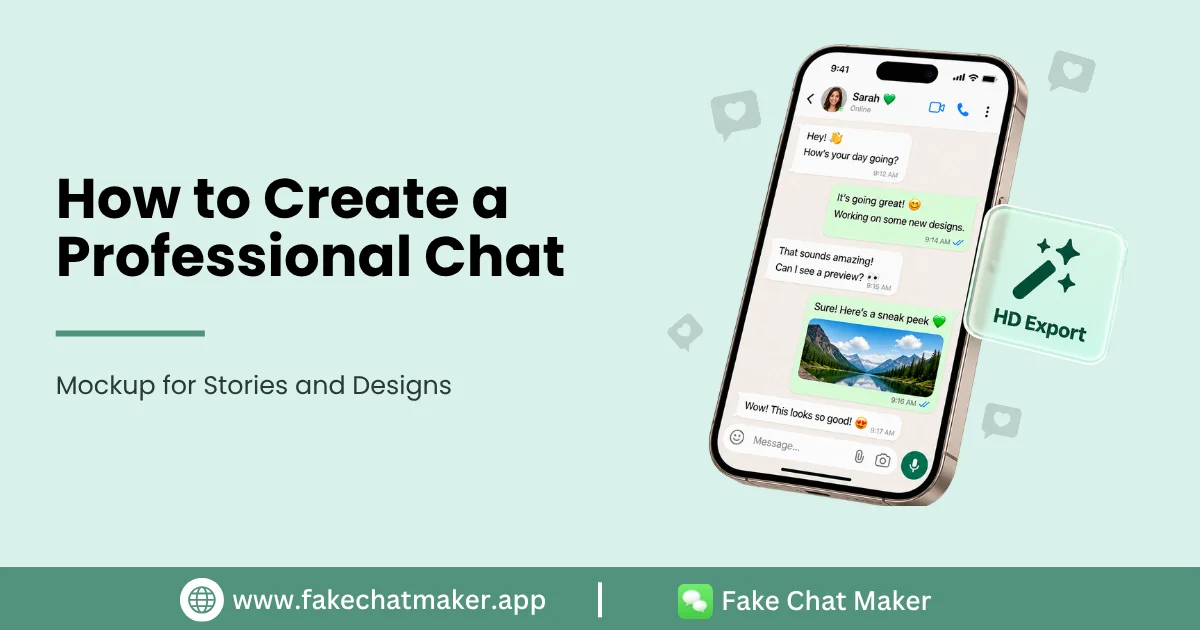
Introduction
A chat mockup can turn written dialogue into a visual scene that is easy to understand. Creators use conversation graphics in videos, storyboards, presentations, interface concepts and educational material because the message format is familiar and compact. If you are new to conversation graphics, our complete fake chat generator guide explains how these tools fit into creative workflows.
The goal of a good mockup is not to trick someone into believing a fabricated conversation really happened. A strong mockup communicates a fictional scene clearly, looks polished in the final format and gives viewers enough context to understand what they are seeing.
This guide explains how to build a professional conversation graphic while protecting privacy and avoiding misleading presentation.
1. Decide What the Mockup Is For
Start with the final use. A vertical video needs a different composition from a presentation slide. A digital literacy lesson may need labels and annotations, while a fictional story may need only the conversation and a clear disclosure.
Write down the purpose before editing. This keeps you from adding interface details that do not help the audience.
2. Use Fictional Identities Whenever Possible
Invented names, usernames and avatars are usually the safest choice for fictional conversations. They keep attention on the story and reduce the chance that viewers attribute a statement to a real person.
If a project requires a real person's name, image or other identifying information, make sure you have an appropriate reason and any permission that may be required. Avoid using private information simply to make a scene look more convincing.
3. Write for Readability
Chat graphics are read differently from ordinary articles. Keep each message focused on one idea. Break long dialogue into manageable pieces and make the order of the conversation obvious.
Natural dialogue can include short replies, questions and reactions, but clarity matters more than imitating every habit of real private messaging. Read the conversation from beginning to end before export and remove anything that does not advance the scene.
4. Keep Interface Details Consistent
Supported timestamps, reactions, read states and profile details should make sense within the fictional scenario. If a message is shown as read, the following dialogue should not depend on the recipient never having seen it. If a scene takes place in the morning, the displayed time should not contradict the script. You can compare those details with the current FakeChatMaker features before deciding which controls your project needs.
Consistency makes a design feel intentional without turning the exercise into deceptive impersonation.
5. Preview the Final Size
A graphic that looks comfortable on a desktop screen can become difficult to read inside a vertical video. Preview the conversation at the size and orientation where the audience will actually see it.
Check text size, line wrapping, profile images, message order and empty space. If the viewer needs to zoom in to understand the scene, simplify it.
6. Use Images You Have the Right to Use
Use original, licensed or permissioned images for avatars and other visual elements. A fictional project normally does not need a stranger's real profile photograph.
Also avoid exposing phone numbers, addresses, account details or other private information in a mockup. Replace unnecessary personal data with fictional details.
7. Add Context When Authenticity Could Be Misunderstood
If a reasonable viewer could believe the conversation is genuine, add a visible label such as “Fictional Conversation”, “Mockup”, “Dramatized” or “Parody”. Put the disclosure where viewers can notice it rather than hiding it in unrelated text. When the context could be misunderstood, follow the responsible use guidelines before publishing.
This is especially important when a mockup mentions a recognizable person, company or serious allegation.
8. Review Before Publishing
Before export, check spelling, message order, timestamps, image permissions and disclosure. Ask whether the image could falsely attribute a statement to someone or be interpreted as evidence of a real event.
If the answer is yes, change the names, rewrite the scenario or add clearer context.
What Not to Do
Do not use a generated conversation as fabricated evidence. Do not use it to request money or account access by deception. Do not create false accusations, harmful impersonations or harassment campaigns. Do not hide the fictional nature of a mockup when the context depends on people believing it is authentic.
Conclusion
A professional chat mockup supports a story, lesson or design idea without creating unnecessary confusion about whether the conversation actually occurred. Focus on readable dialogue, consistent details, appropriate assets and clear context. Those choices improve both the quality of the graphic and the way audiences understand it.