 FakeChat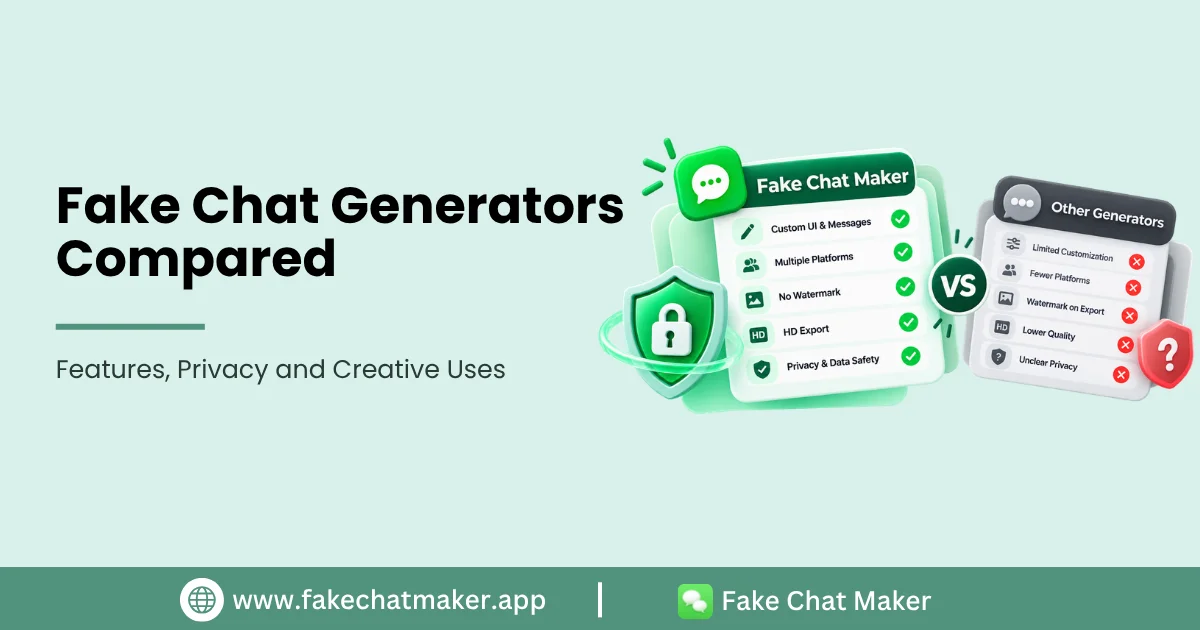
Introduction
Most chat mockup tools advertise similar benefits, so useful comparison requires more than repeating marketing claims. A creator should look at what the product actually supports, what happens during export, how personal data is handled and whether the service explains responsible use. Readers who are new to the category can first use the complete fake chat generator guide to understand the basic workflow.
This guide gives you a repeatable way to compare tools without relying on unsupported rankings.
1. Platform Coverage
Check which conversation styles are actually available in the editor. Do not rely only on a homepage logo. Open each template and confirm that it works.
If you regularly create content across several styles, a multi platform tool may reduce switching between services. If you need only one layout, depth of controls may matter more than total platform count.
2. Editing Controls
Record which elements can genuinely be changed: names, avatars, messages, timestamps, reactions, read states, group participants, appearance and device preview. Features often vary by platform. Those criteria can be compared with the current FakeChatMaker features.
A long feature list is less useful if the controls do not match your actual project.
3. Export Options
Test the export yourself. Record the available file format, image dimensions, whether an account is required and whether a watermark appears.
Do not describe a product as free or watermark free based on an old review. Pricing and export policies can change.
4. Privacy Information
Read the product's privacy policy and check whether it explains how uploaded images, chat text and analytics data are handled. A clear privacy policy does not automatically make a service better, but missing or vague information is important to notice. For FakeChatMaker specifically, the Privacy Policy describes the site's current data handling disclosures.
For sensitive projects, avoid uploading real private conversations when a fictional example would work.
5. Responsible Use Guidance
Look for clear rules against fraud, harmful impersonation, harassment and fabricated evidence. A tool that creates realistic looking graphics should explain appropriate use and provide a way to report misuse. The standards applied to this product are explained in the Responsible Use guide.
6. Ease of Revision
Create a short test conversation, then change the middle of it. Check whether surrounding messages update cleanly and whether you can return to earlier fields without rebuilding the scene.
This practical test is more informative than generic claims about ease of use.
7. Mobile Experience
If you work from a phone, test the actual editor on a small screen. Check whether controls remain readable, whether the preview is usable and whether export completes without awkward horizontal scrolling.
A Fair Testing Method
Use the same fictional script for every product. Test on the same date. Record the browser and device. Capture your own screenshots of the workflow where permitted. Separate facts you observed from opinions about convenience.
If you later publish named competitors, link to their official product and privacy pages and recheck changing facts before each major update.
How FakeChatMaker Should Present Itself
FakeChatMaker should compete on verifiable product capabilities, transparent policies and useful creator workflows rather than claiming to be number one. Explain what the editor supports today and acknowledge where features differ by platform. The product's purpose and publisher information are described on the About FakeChatMaker page.
That approach creates a more trustworthy comparison and gives readers information they can independently verify.
Conclusion
The best tool for a particular project depends on platform support, controls, export requirements, privacy expectations and workflow. Compare products with the same test instead of relying on rankings built from marketing copy. A transparent comparison remains useful even as individual products change.